Editor update: selection, move/copy, and cloud palettes with bead counts
The editor now moves and copies whole blocks, and palettes can live in your account with bead counts per color. Here is what changed, how to use it, and the limits.
This update closes two gaps we kept running into: no more redrawing a finished motif cell by cell, and no more palettes locked to a single computer. Here is what each one solves, where to find it, and what the limits are.
Selection and move/copy: move a whole block
Moving a finished motif used to mean erasing and redrawing it. The marquee tool treats a rectangular area as one block: drag it anywhere on the canvas, or duplicate it in place for symmetry and repeated details.
Select an area
Press V for the marquee tool and drag a rectangle on the canvas.
Drag it
Press and drag inside the selection; the content follows as a translucent preview.
Move or copy
Switch in the action bar: Move clears the original spot, Copy keeps it.
Confirm
Click ✓ to write it into the canvas and end the selection; click ✕ to restore.
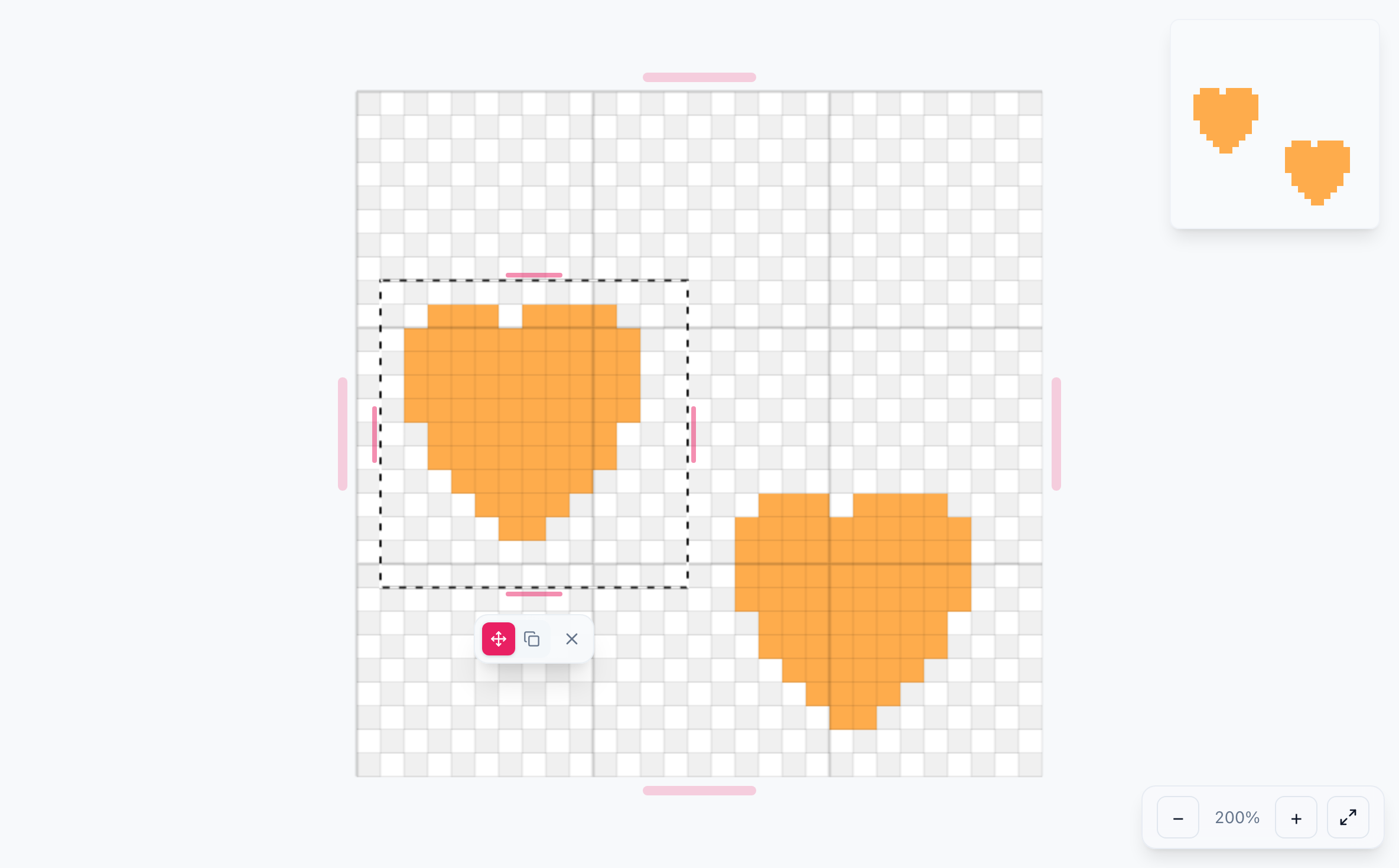
- Dragging shows a translucent preview; the canvas changes only after you confirm.
- Dragging past the canvas edge is allowed; anything outside is clipped.
- Press Backspace to clear the selected cells, or Esc to cancel the selection.
- A confirmed drop counts as one undo step, so Undo restores the whole block.
Full steps and edge cases are in the selection and move/copy guide.
Cloud palettes and bead counts
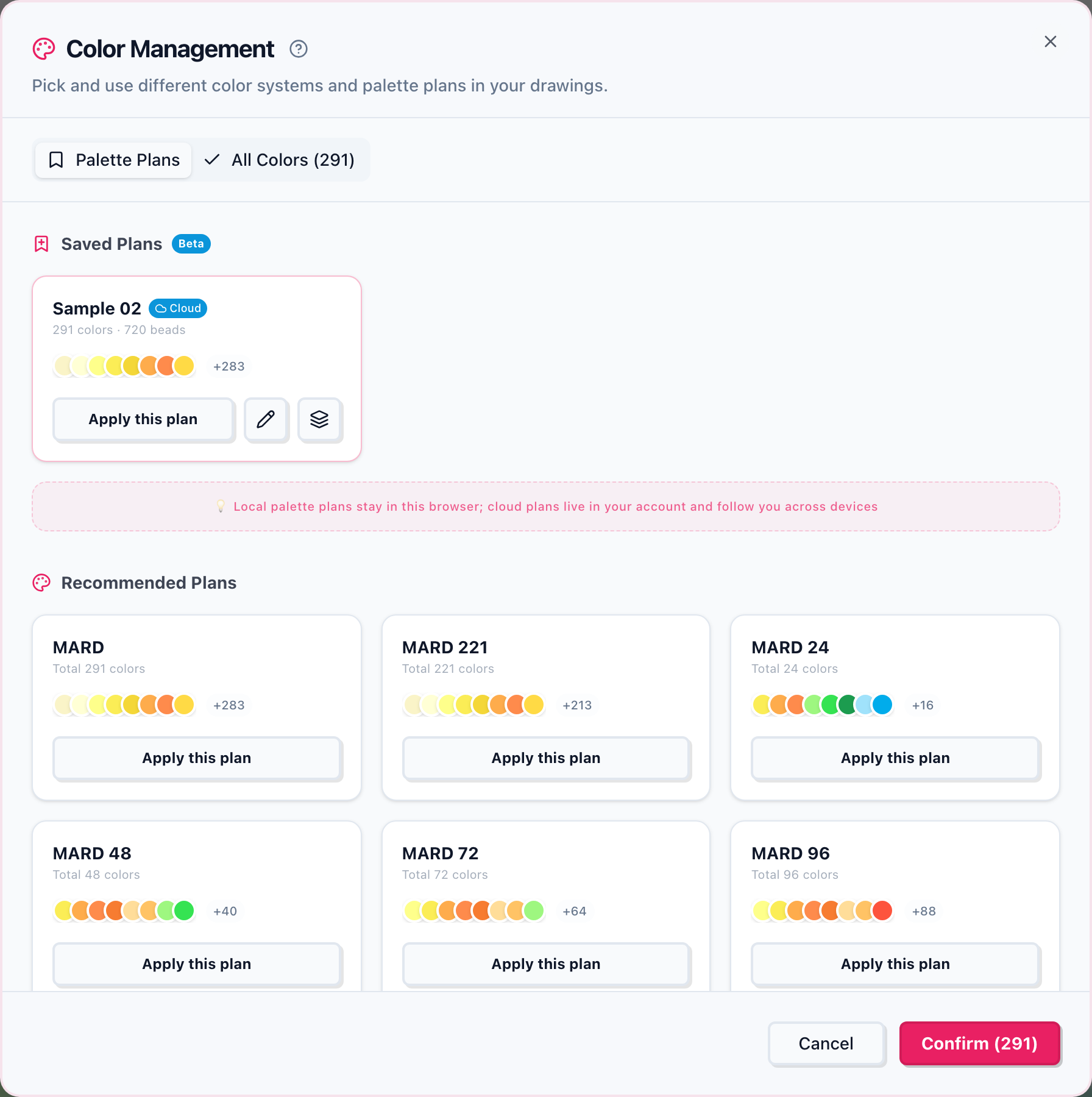
Palettes used to live only in the current browser, so switching computers meant rebuilding them. When you save, you can now choose your account: sign in on another device and the palettes and counts are there.
- Local palettes: no account needed, unlimited, stored in this browser only.
- Cloud palettes: stored in your account and available across devices; 10 for free accounts, unlimited for Pro and Sponsor members.
- Bead counts: record how many beads you own of each shade; cards show the color count and bead total so you can check stock before you start.
Storage targets, limits, read-only behavior, and the quantity panel are covered in the color palette guide.
Try it now
Open the editor
Draw a few cells, press V to select and drag, then open Manage in the color panel and save a palette.